
.png) App Store
App Store Google
 App Store
 Google Play
Split your rent.
Pay your rent in up to 4 installments
over the month.





Avoid late fees & credit card fees. We've got your back!
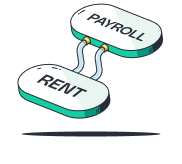
Link rent to payroll. Pay when you get paid!

Build your credit through rent. Improve your financial future

Manage your expenses. Get back on track!
How it works
Step 1
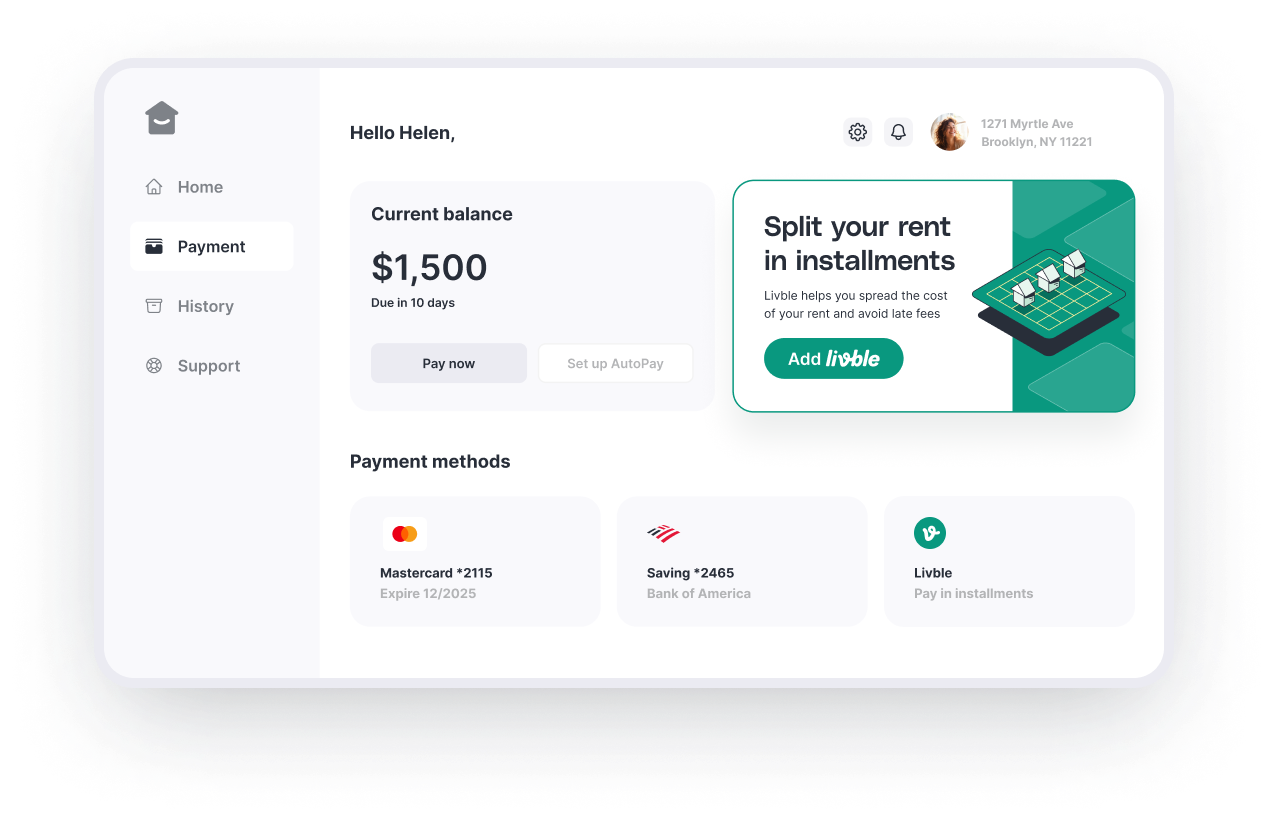
Select Livble as your payment method
Available in your tenant portal
Step 2
Choose the plan that best suits you
Select the preferred dates
Step 3
Split your rent - we take care of the rest!
You're all set for the month!
How it works
Step 1
Select Livble as your payment method
Available in your tenant portal
Step 2
Choose the plan that best suits you
Select the preferred dates
Step 3
Split your rent - we take care of the rest!
You're all set for the month!

Pro tip: Download the Livble app Get access to the newest perks!
Trusted by